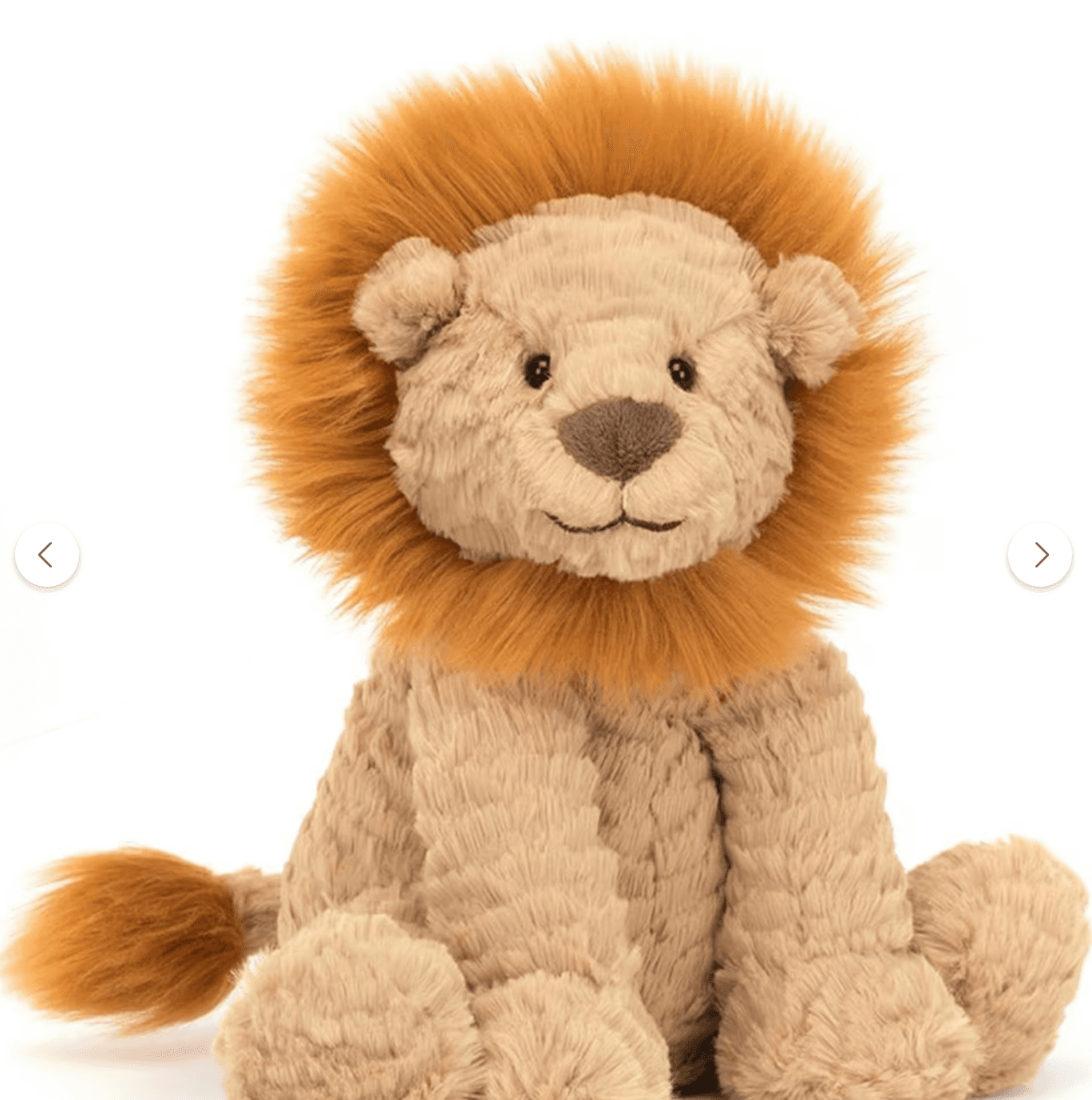
Step 1
Upload one toy photo
Choose a clear photo of the toy your child already loves. Stuffed animals, dolls, action figures, rubber ducks, and plush toys all work.
 Ethan TalesCreate a book
How it works
Ethan Tales is built around a simple parent-led workflow: upload the toy, choose the moment, review the preview, then download or print only when the book feels right.
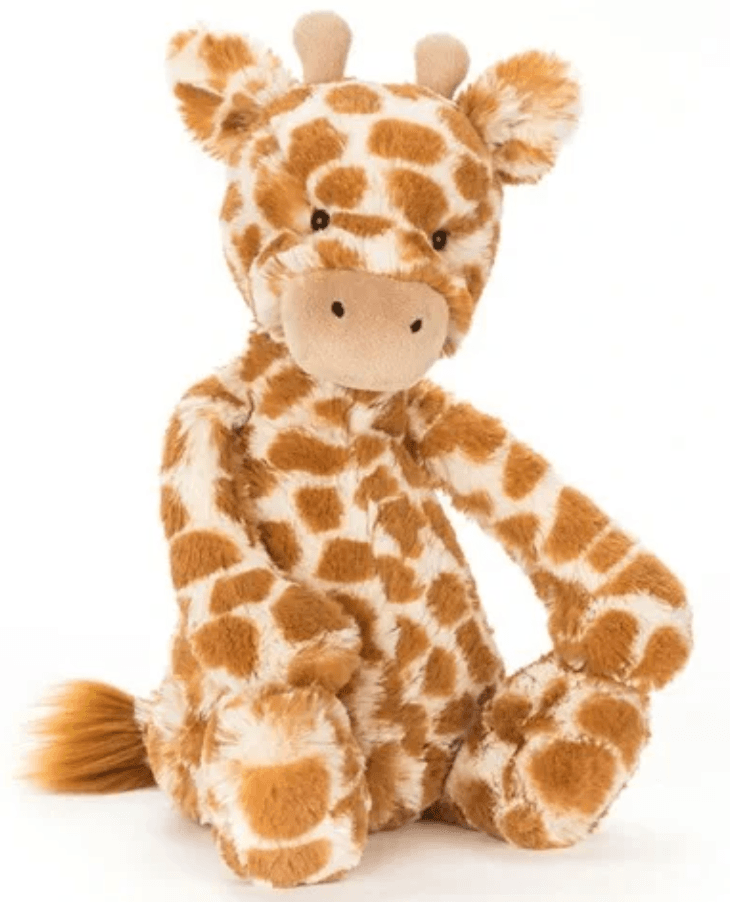
Choose a clear photo of the toy your child already loves. Stuffed animals, dolls, action figures, rubber ducks, and plush toys all work.
Pick the child age, language, illustration style, book length, and a theme like bedtime fears, sharing, potty training, or first school days.
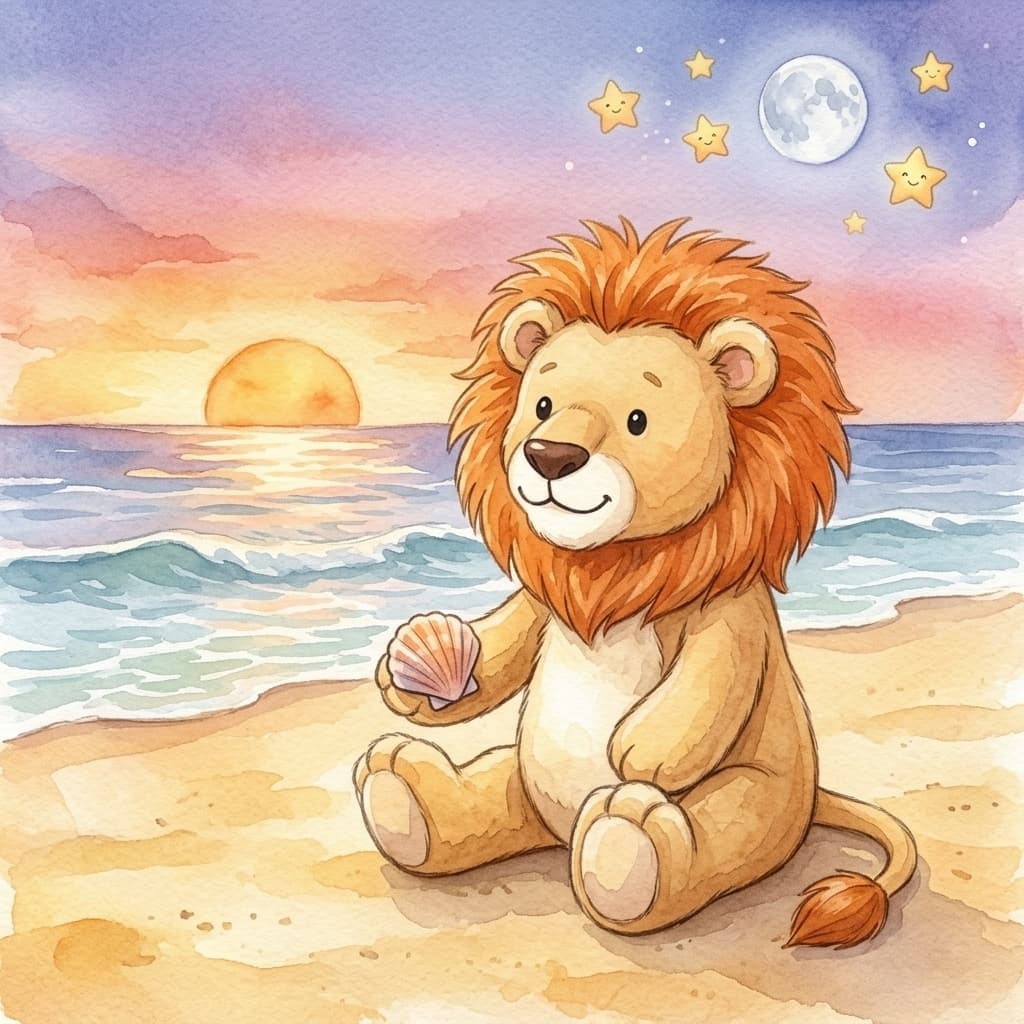
Ethan Tales writes and illustrates the book, then shows a preview so a parent can check the story and toy likeness before unlocking or printing.
A generic character can be sweet, but a child's own toy already has emotional weight. When the toy tries the brave thing first, the story can feel less like a lecture and more like a familiar friend showing the way.
This is also the main difference between Ethan Tales and many name-only personalized books: the visual character begins with the object the child actually holds, sleeps with, and recognizes.
Most books generate in a few minutes. Illustration generation can vary depending on book length and style.
Yes. After unlocking, parents can edit page text, regenerate illustrations with feedback, customize the cover, and add a dedication.
You can download a digital PDF or EPUB, and you can order printed softcover or hardcover copies when available for the selected book length.